

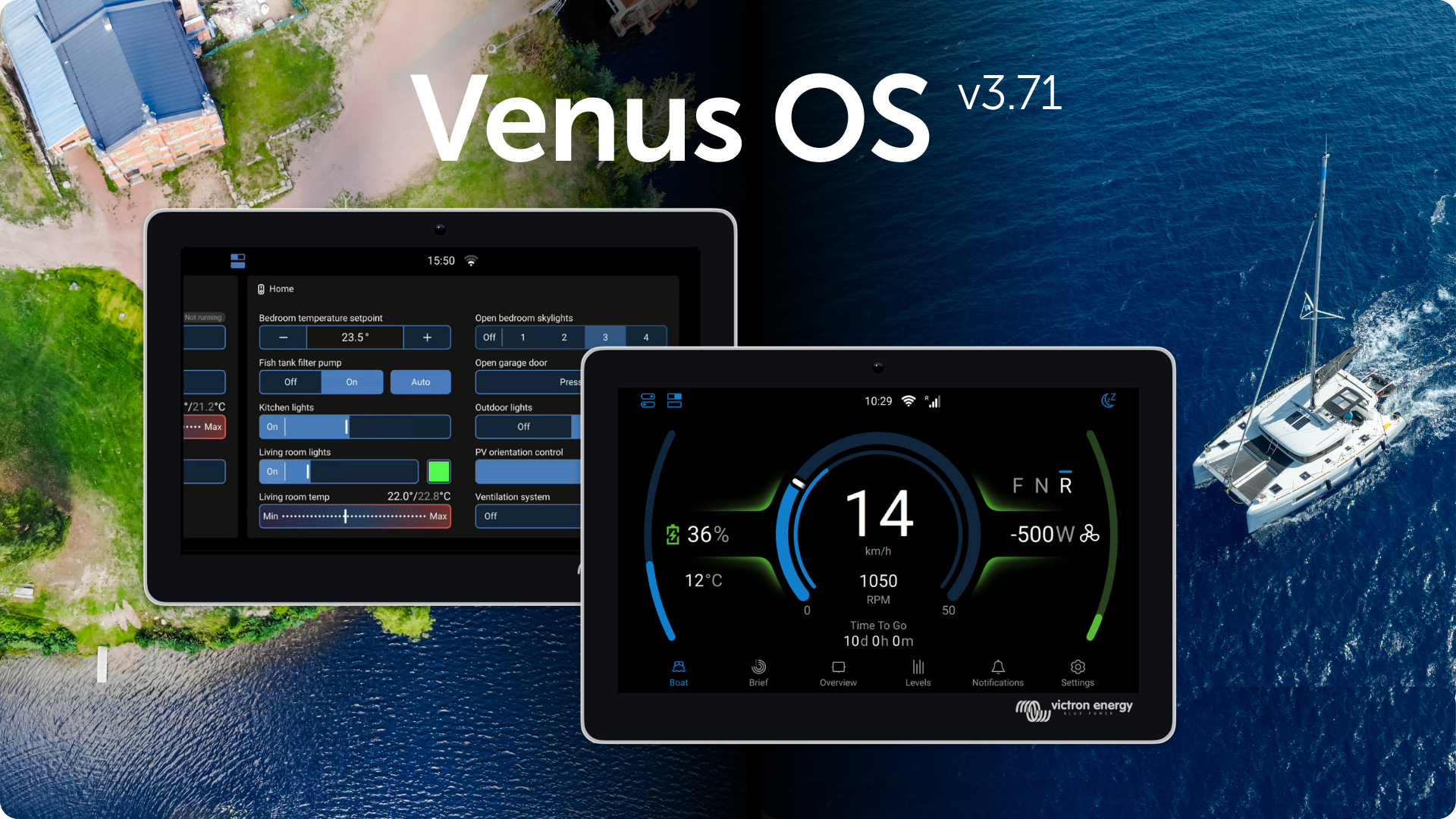
Three weeks ago we introduced Venus OS firmware v3.70, bringing new features including Node-RED virtual switches in the expanded switch pane, improvements to the GX Boat Page, new E-drive integrations, Shelly smart device support and more. Venus OS v3.71 now follows with a series of fixes and improvements based on user feedback.
Key improvements
-
Peak shaving fixes to ensure battery charging stays within configured limits and behaves correctly when PV inverters are present.
-
Energy Solution SmartSwitch DC4: Fix an issue where channels 1 and 2 were not visible in the Switch panel.
-
Modbus and system communication fixes, including corrected registers and improved compatibility with certain devices.
-
User interface improvements and bug fixes, including better solar power display in the Brief overview.
This version also includes security updates and smaller fixes across generators, motor drives, EV charging systems and other GX device functionality.
Change log
For the complete list of improvements and fixes included in this version, see the Venus OS folder on Victron Professional.
How to install this update?
For GX devices connected to the internet, see the Settings -> Firmware online update menu. For GX devices not connected to the internet, the update can be installed using SD-card or USB stick.
For detailed instructions, please refer to section 9, Firmware Updates, in the GX Device manuals.