

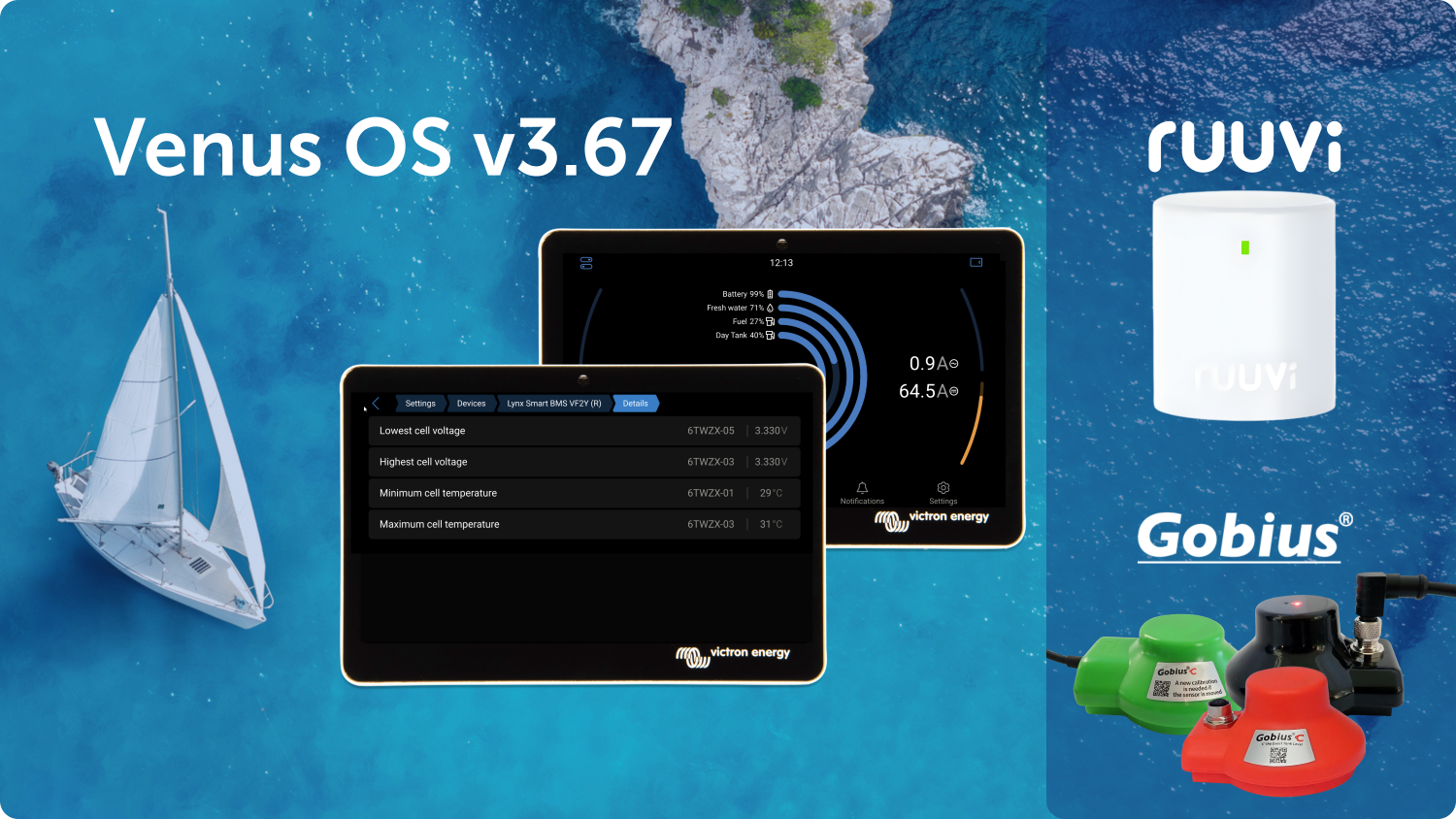
Released today, the newest version of Venus OS brings several exciting updates to our GX monitoring products including the popular Cerbo GX and Ekrano GX.
The new release adds support for the new Ruuvi Air, enables wireless read-out for all Gobius C Tank Senders, and improves diagnostics for the Lynx BMS NG.
Have a look at this slide deck for a more visual overview.
Lynx BMS NG: better diagnostics
- The lowest and highest cell voltage and temperature values now show exactly which cell they belong to. This is shown in both the GX device and the VRM Portal, offering clearer diagnostics.
- The cell ID combines the battery’s serial number with the internal cell number. For example: 6TWZX-03 includes the battery serial number (6TWZX), followed by a dash, and then the cell number (03).
Now works with Ruuvi Air
- Venus OS now reads temperature and air pressure from the new Ruuvi Air Sensor.
- Note that this release supports temperature, humidity and air-pressure only, which are the same parameters as the already supported Ruuvi temperature sensors. The new Air-quality parameters will be added in a future release.
Gobius C Tank Senders wireless read-out
- All Gobius C tank sender models are now supported: the NMEA 2000 version, the analog version, and the basic model. See the compatibility table in the slide deck for more details.
Other Improvements
Several small fixes and improvements are also included in this release. For the complete list of improvements and fixes included in this version, see the Venus OS folder on Victron Professional.
How to install this update?
For GX devices connected to the internet, see the Settings -> Firmware online update menu. For GX devices not connected to the internet, the update can be installed using SD-card or USB stick.
For detailed instructions, please refer to section 9, Firmware Updates, in the GX Device manuals.