

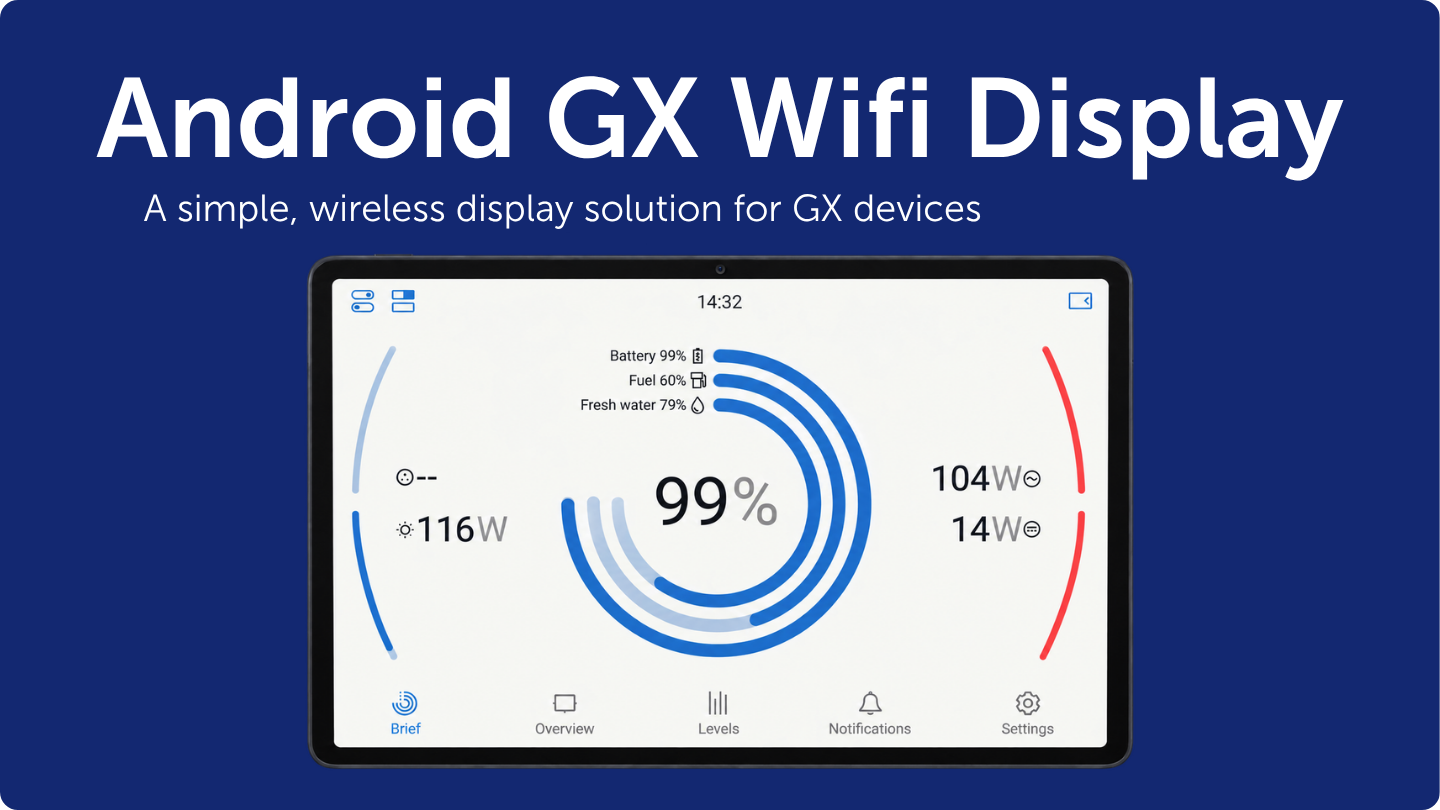
Last week, we released firmware v1.2 for the Android GX WiFi Display, an app we introduced last year. It provides a simple way to turn any Android phone or tablet running version 8.0 or higher into a dedicated wireless display for monitoring and controlling GX devices.
Highlights:
- Keeps the GX device connection alive with the screen off while on the charger.
- Improved Wi-Fi connection handling, especially when connecting to the GX device's built-in access point.
- Better at finding and following the GX device when it moves on the network.
- Reduce the requested permissions to the minimum necessary to prevent Play Protect rejections during QR provisioning.
How to get started
To get started, watch this video and read the Android GX WiFi Display manual to access the QR code for downloading the app and to see the full setup instructions. To learn more about the Android GX WiFi Display, read our blog post.
How to update
Android GX WiFi Displays with automatic updates enabled will install the update automatically during the night. To update straight away, open the configuration menu by pressing and holding the lower-left corner of the screen for five seconds, then use the manual update check.