

July 21st, 2026
Released today, VictronConnect app v6.40 brings a range of updates designed to make system monitoring and management easier for professionals. These include new Bluetooth connectivity support on Windows for our Smart products, and an improved remote console experience, along with several other improvements explained below.
Updates include:
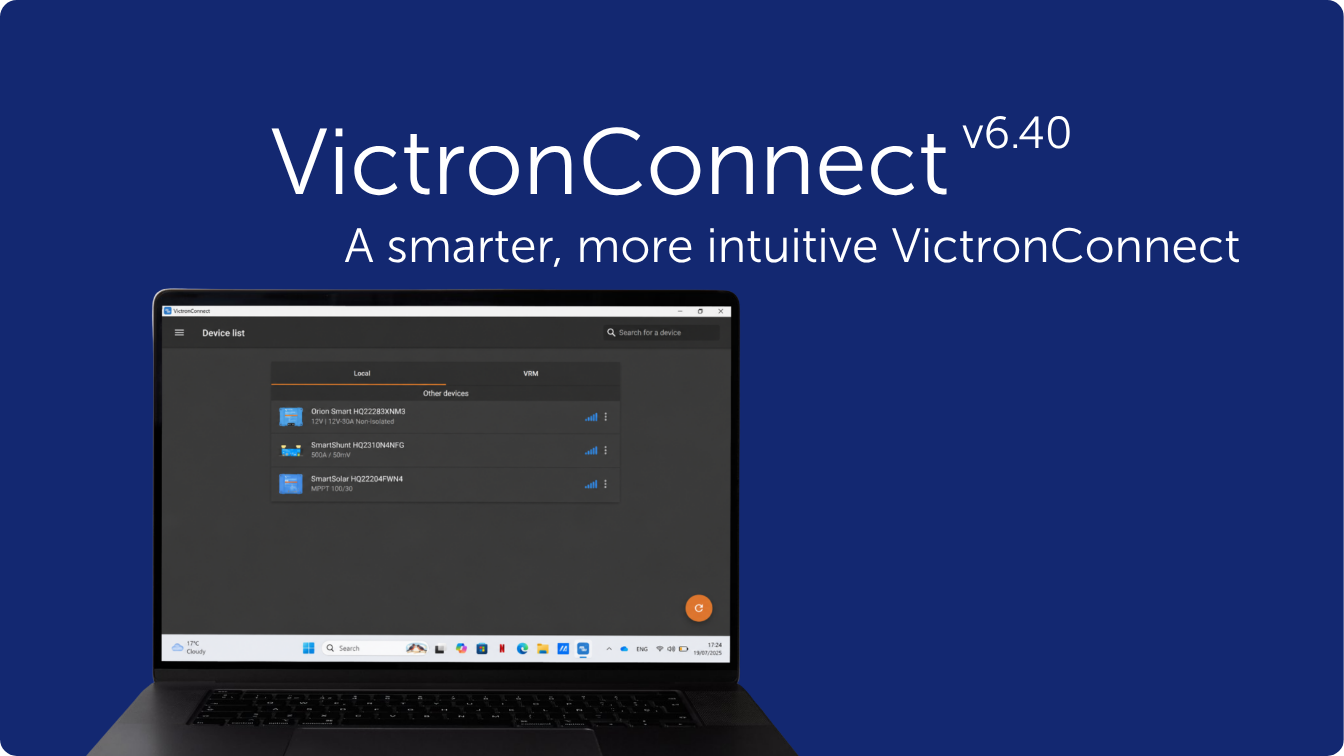
- Added Bluetooth connectivity support on Windows
VictronConnect now supports Bluetooth on Windows, for monitoring and control of our Smart products.
- Added dark mode support
VictronConnect can now follow the operating system theme. Users can also choose between Light and Dark mode independently of the OS settings.
- Improved remote console experience
Better handling and ease of use, including new support for portrait mode (requires the latest Venus OS version, which will be released in the coming weeks).
- Backward compatibility for inspecting settings files
Settings files created with VictronConnect v6.30 or later can now be opened for inspection as a demo product. Previously, this was only possible if the settings file was created with the same VictronConnect version as the one performing the inspection.
- EV Charging Station (EVCS)
VictronConnect is now ready for upcoming EVCS enhancements. Once supported by a future Venus OS release for GX products, it will show vehicle information during charging, including battery State of Charge (SoC) and estimated range, and will support easier, passwordless pairing between an EVCS and a GX device.
- Export SolarSense 750 history data
SolarSense 750 historical data can now be exported to CSV format for custom analysis.
- Lynx Smart BMS
Individual battery details, including voltage, temperature, and status, are now available over remote connections.
- Support added for the new Energy Meter VM-3P5A
VictronConnect now supports monitoring and configuration of the EnergyMeter VM-3P5A.
Full change log
For the complete change log, see the VictronConnect change log.
How to install this update?
For most systems, the VictronConnect App will prompt you to update to the latest version. If not, you can visit the downloads page